bvsoft collections
Your collection,
piece by piece.
A video game catalogue to keep track of what you own, what condition it’s in and what you’re missing. And to know instantly, in the shop or at the flea market, whether that game is already on your shelf.
- editions catalogued
- 95,000+
- platforms
- 80+
- languages in the catalogue
- 3

Four pieces, one collection
Everything you need to keep your collection under control
-
Catalogue
Search by title in Spanish, English or French, by product code or barcode, or browse by platform.
See more -
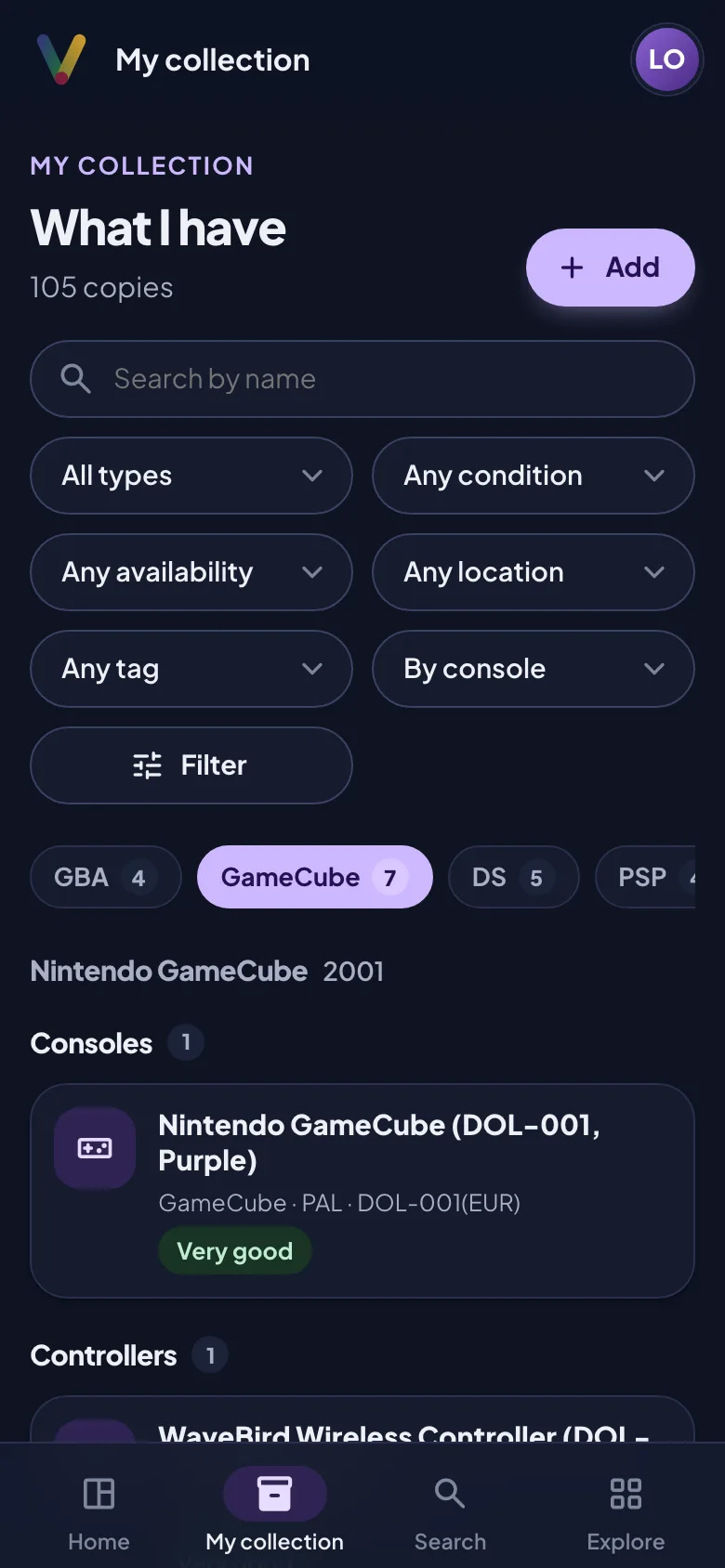
My collection
Every copy with its condition, version and languages, sorted by console.
See more -
Wishes
What you’re missing, with its priority and the most you want to pay.
See more -
Requests
Missing an entry? Ask for it and we’ll let you know when it’s in the catalogue.
See more
Find the exact edition you’re holding
The Spanish edition isn’t the American one, and the original isn’t the Platinum. The catalogue tells each one apart, with more than 95,000 editions across more than 80 platforms.
- Search by title in Spanish, English or French.
- Or by the code on the box (SLES, SCUS, MK, T, AGB, DOL, MS…) or the barcode.
- Browse by platform and filter out what you already have.
- Every PlayStation, Sega, Nintendo and Xbox console, complete; the rest keep growing.

Every copy, down to the last detail
Record each game exactly as you have it: whether it’s complete, its condition, which version it is and what language the cover, the manual and the game itself are in.
- Condition of the game, the box, the manual and the extras.
- Standard version, Platinum and other re-releases.
- Language of the cover, manual, text and voices of each copy.
- Your collection by console, in chronological order, with charts.
- Your consoles and controllers too, not just the games.


Your collection at a glance
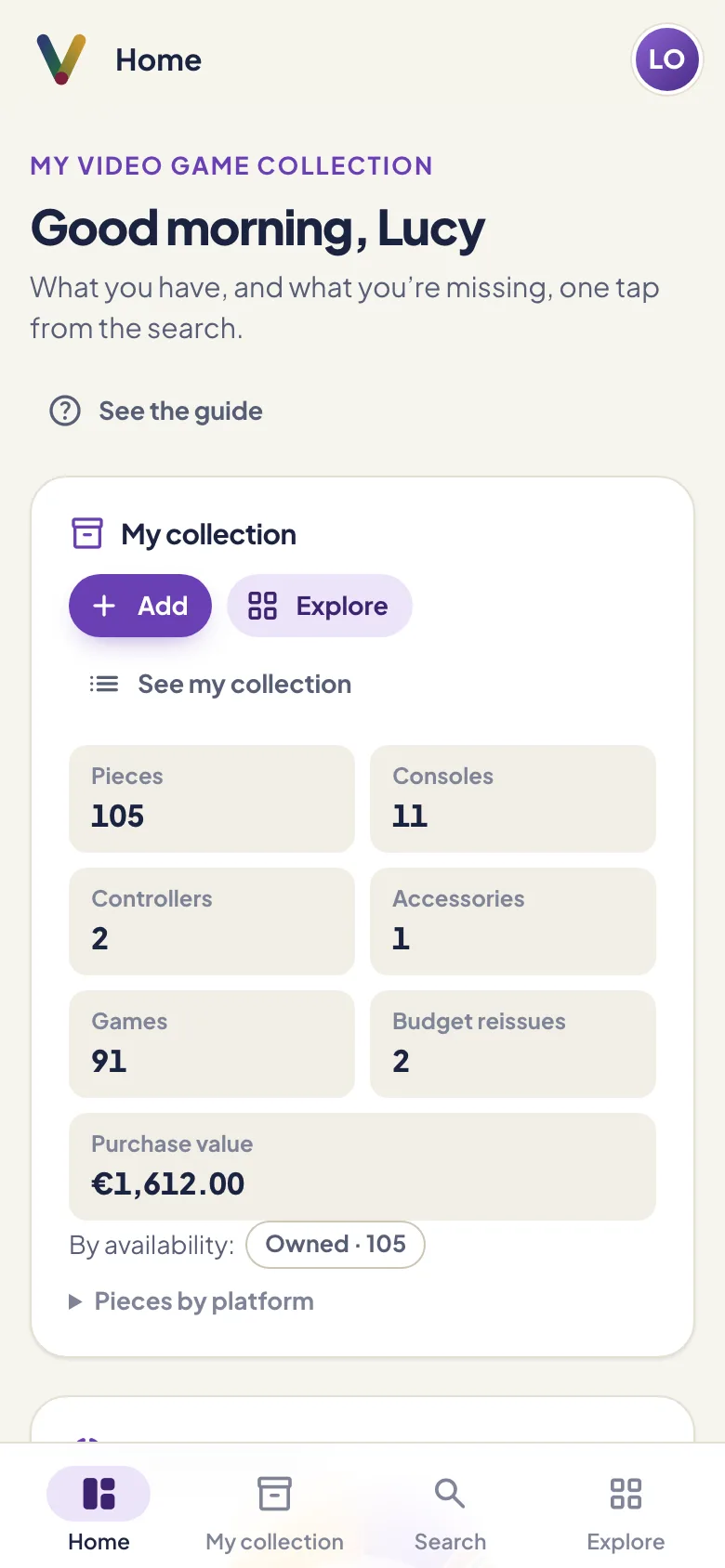
As soon as you sign in you see how many items you have, for which consoles and how much they cost you. The charts draw themselves from what you record.
- Items by type: consoles, controllers, peripherals and games.
- The platforms with the most items and how your collection has grown.
- What you’ve spent each year, if you record the purchase price.
In the shop, game in hand, no more guessing
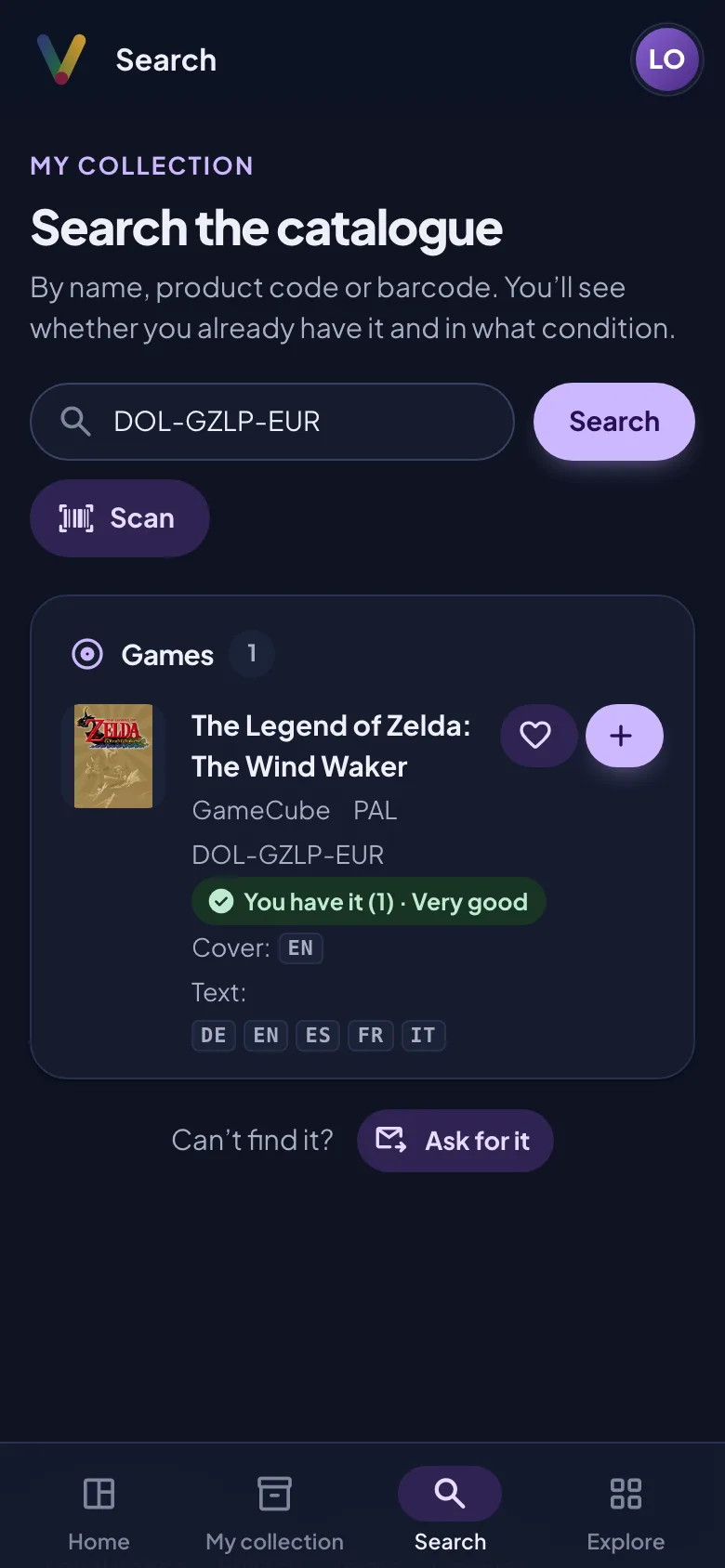
You’re at a flea market, you spot a game at a good price and can’t remember if you already have it, or whether yours was complete. Out comes your phone, you look it up and you know instantly.
- SearchBy title or by the code on the spine, from your phone.
- SeeWhether you have it, how many copies and in what condition.
- Or add itIf you don’t have it, into your collection or your wishes in one tap.
- Never overpayYour maximum price, right there in your wish list.
A smart list of what you’re missing
Save the games you’re after and decide how much each one matters to you. When one turns up, you’ll know if it’s the one you wanted and whether the price is right.
- High, medium or low priority for each wish.
- The maximum price you’re willing to pay.
- When you get it, it moves to your collection in one tap.


Game not there? We’ll add it
We look after the catalogue by hand so it doesn’t fill up with duplicate or half-finished entries. If an edition is missing, ask us for it with whatever details you have.
- Request the entry straight from the search.
- We review it and add it to the catalogue.
- We email you when it’s ready.

Your shelf, in your pocket
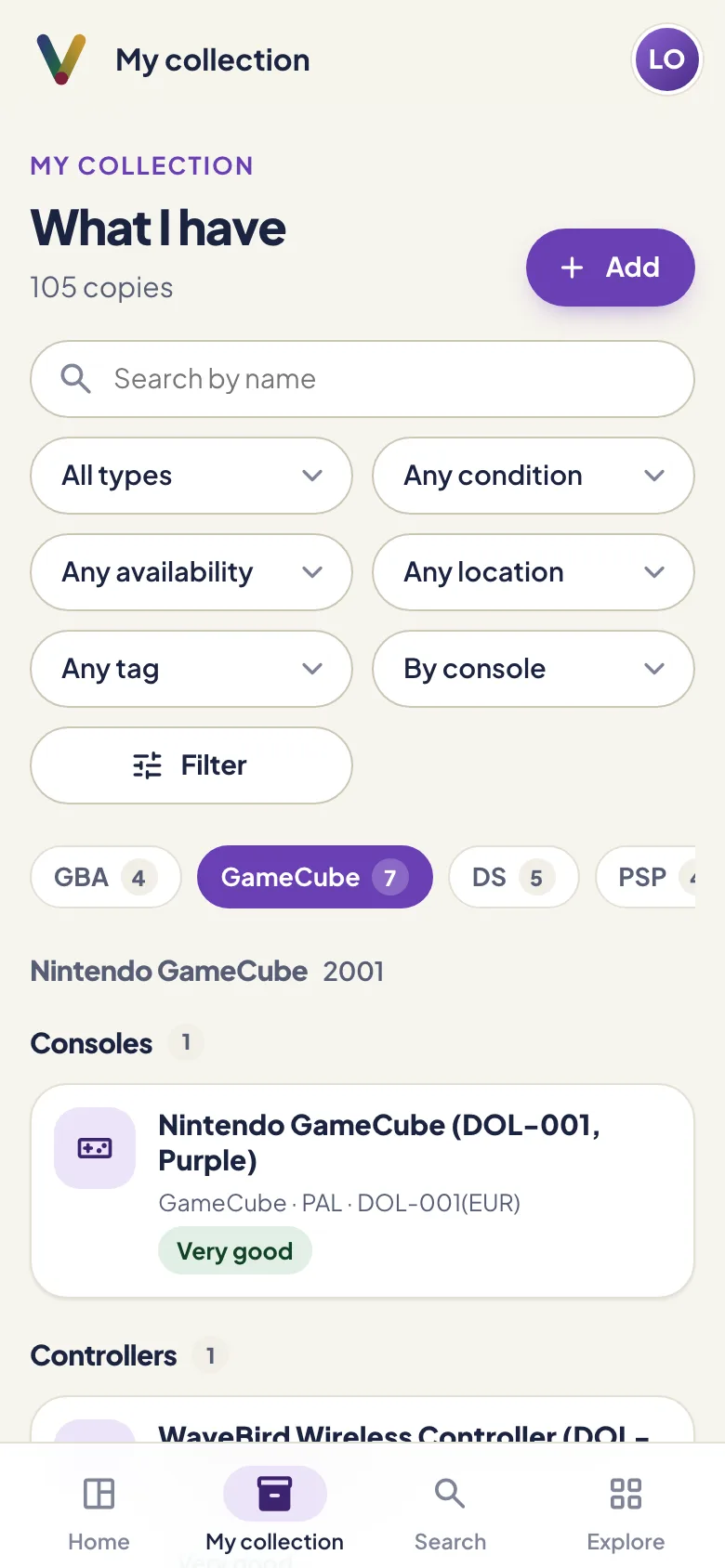
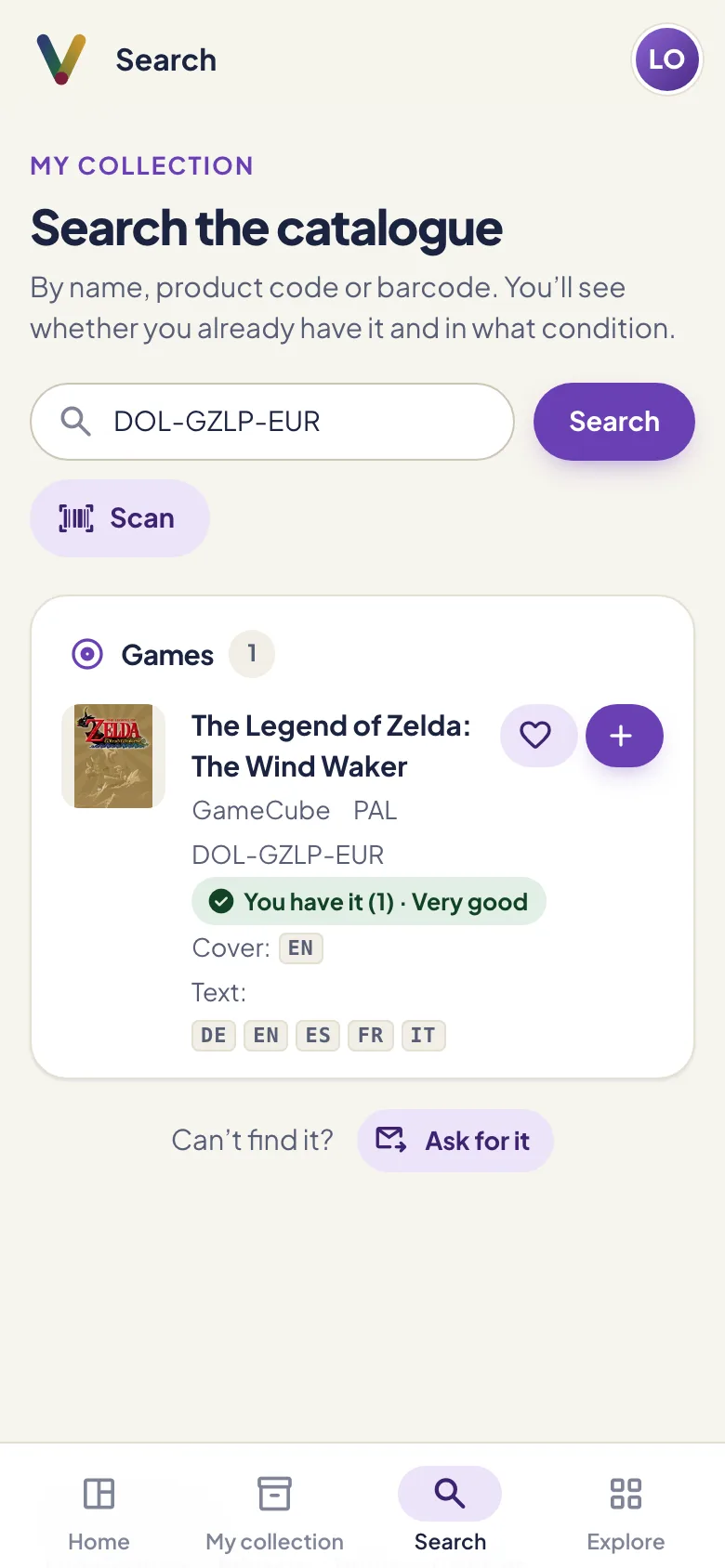
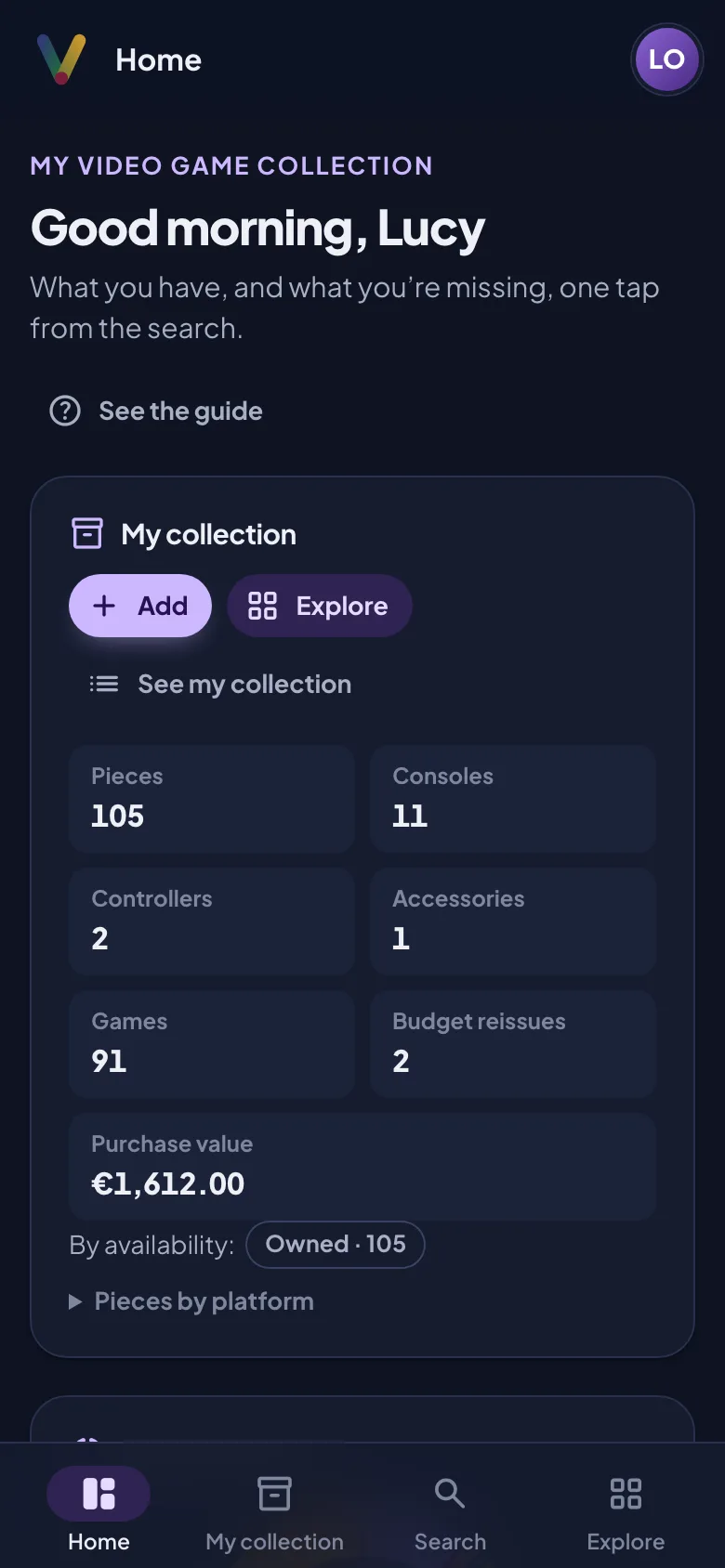
It works in your phone’s browser, with the navigation bar at the bottom and search always within reach. Dark mode switches on by itself if your phone uses it. And you can add it to your home screen to open it like any other app, with its own icon and full screen.
Your collection is yours
Private, exportable and ad-free
-
Only you can see it
Your collection and wish list are private by default: nobody else can see them.
-
Take it with you
Export your data whenever you like, from your profile.
-
No ads
No advertising and no third-party trackers.
How it works
Three steps and your shelf is on your phone
-
Create your account
Name, email and password. Confirm your email with one click and you’re done: it’s free.
-
Search and add
Find each game in the catalogue and record your copy with its condition and version.
-
Check wherever you are
Before you buy, check on your phone whether you already have it or it’s on your wish list.
Frequently asked questions
What people usually ask before getting started
Which consoles are in the catalogue?
More than 80 platforms. The PlayStation consoles (from the very first to the PS5, plus PSP and PS Vita), the Sega ones (from the SG-1000 to the Dreamcast, plus Game Gear), the Nintendo ones (from the NES to the Switch 2, with every handheld from the Game Boy to the 3DS) and the Xbox ones (from the original to the Series) have their full catalogue; the rest keep growing and, if an edition is missing, you can ask for it.
Can I import my Excel list?
No. Each copy is added from the catalogue, which is what makes it possible to tell editions, regions and versions apart without mistakes. With search by code it’s very quick.
Can I sell or swap games?
Not yet. Today bvsoft collections is for keeping track of your collection and your wish list; there’s no buying or selling and no public profiles.
What languages is it in?
The app is in English, Spanish and French. The catalogue includes titles in Spanish, English and French, so you can search for a game by any of its names.
Is there a mobile app?
There’s nothing to download from an app store: it works in your phone’s browser, and you can add it to your home screen, with its own icon, to open it full screen like any other app. On Android, use “Install app” in Chrome’s menu; on the iPhone, tap Share and then “Add to Home Screen”.
Who can see my collection?
Only you. Your collection and your wishes are private by default, and you can export them or delete your account whenever you like.
How much does it cost?
Nothing. Create your account with your name, your email and a password, confirm it from the email we send you and start using it.
Bring order to your shelf
What you have, what shape it’s in and what you’re missing, always in your pocket.